Body
Body composition in Delta: add scans, read the 28-day trend rather than single readings, and why body data sits beside training.
Add body data
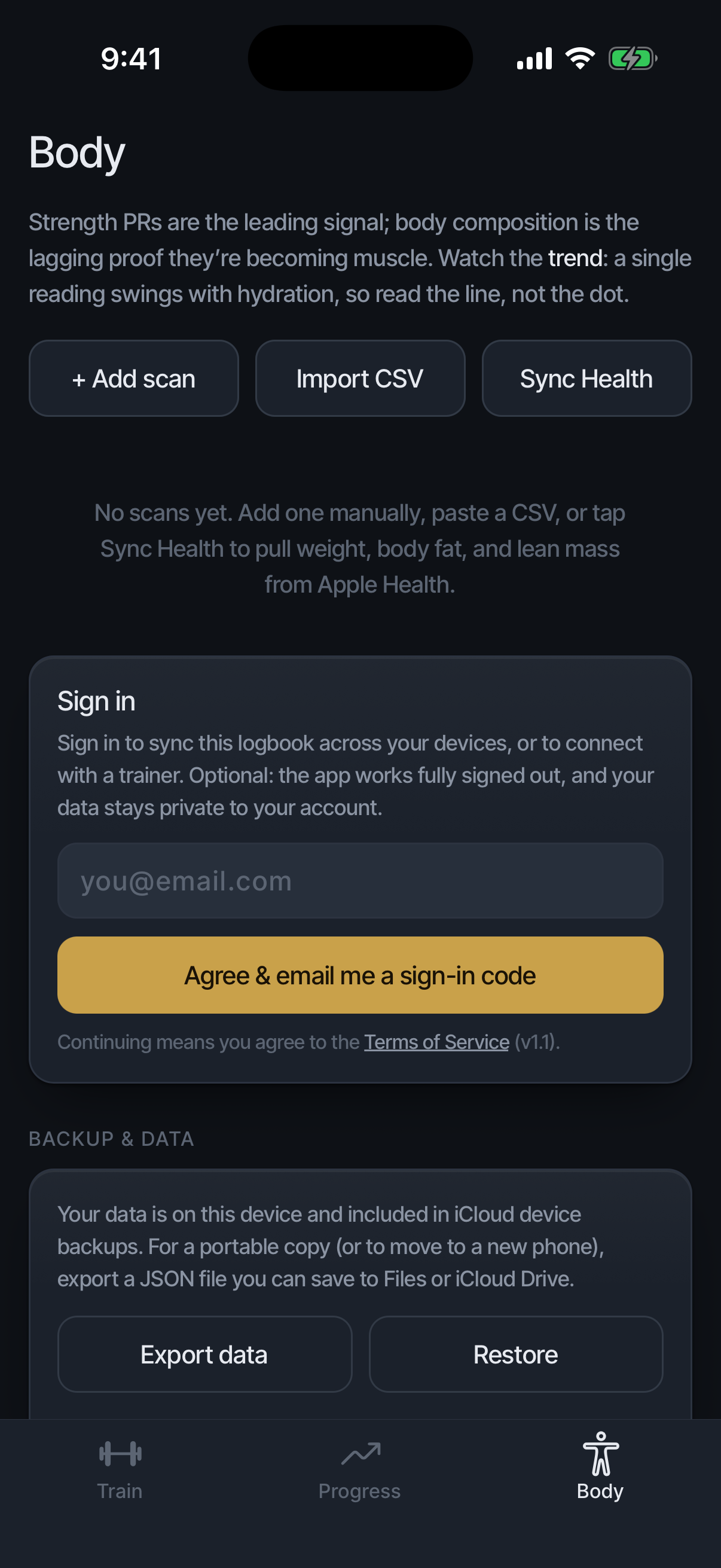
Three routes: enter a scan by hand, import a CSV of past readings, or sync weight, body fat, and lean mass from Apple Health. Scan history and JSON backup live below the trends; scroll for both.
Below the trends, × on a history row deletes that scan, and ‹ Newer / Older › page through them. Delta shows weight in pounds; a CSV in kilograms is converted on import.
Read the line, not the dot
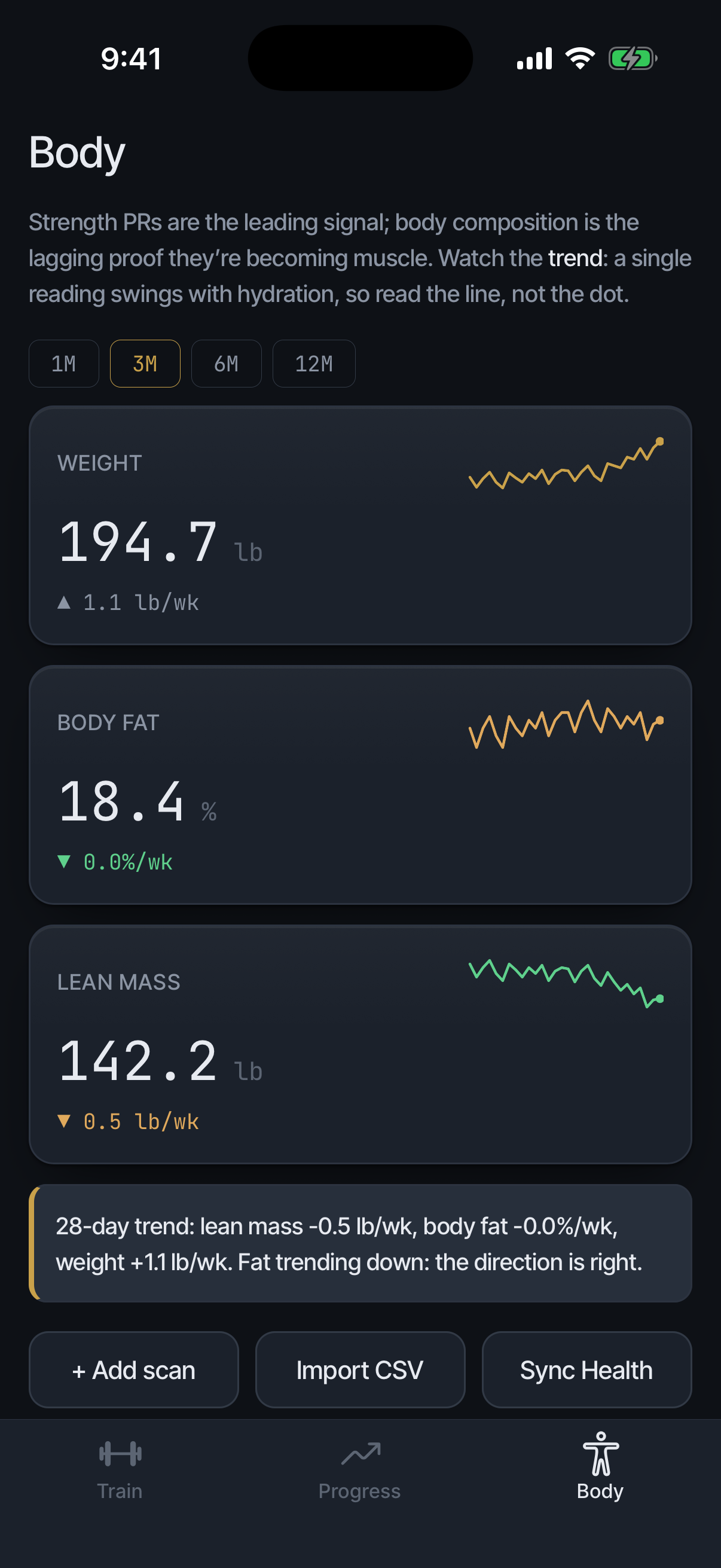
A single reading swings with hydration. Watch the 28-day trend; zooming never redefines it. When weight moves and composition does not, the trend card says so plainly: what you are adding is not reading as muscle yet.
Why body data lives here
Strength leads and composition lags, so the two belong on the same page: training explains the body line weeks before the scale does. Body data stays on your phone and is never shared with a trainer.